
PURE’s New Broker Portal is Live
We’re excited to welcome you to PURE’s new Broker Portal, designed to simplify how you manage client relationships with better visibility into billing and claims, a new coverage gap tool and other helpful features.
Support Clients with Confidence
Claims dashboard
Detailed claim information on demand
Detailed claim information on demand
Billing and payment status
Check the billing status of all clients in one consolidated view and make payments on their behalf
Check the billing status of all clients in one consolidated view and make payments on their behalf
Member portal view
See exactly what your clients see in their portal accounts
See exactly what your clients see in their portal accounts
Grow and Guide Client Relationships
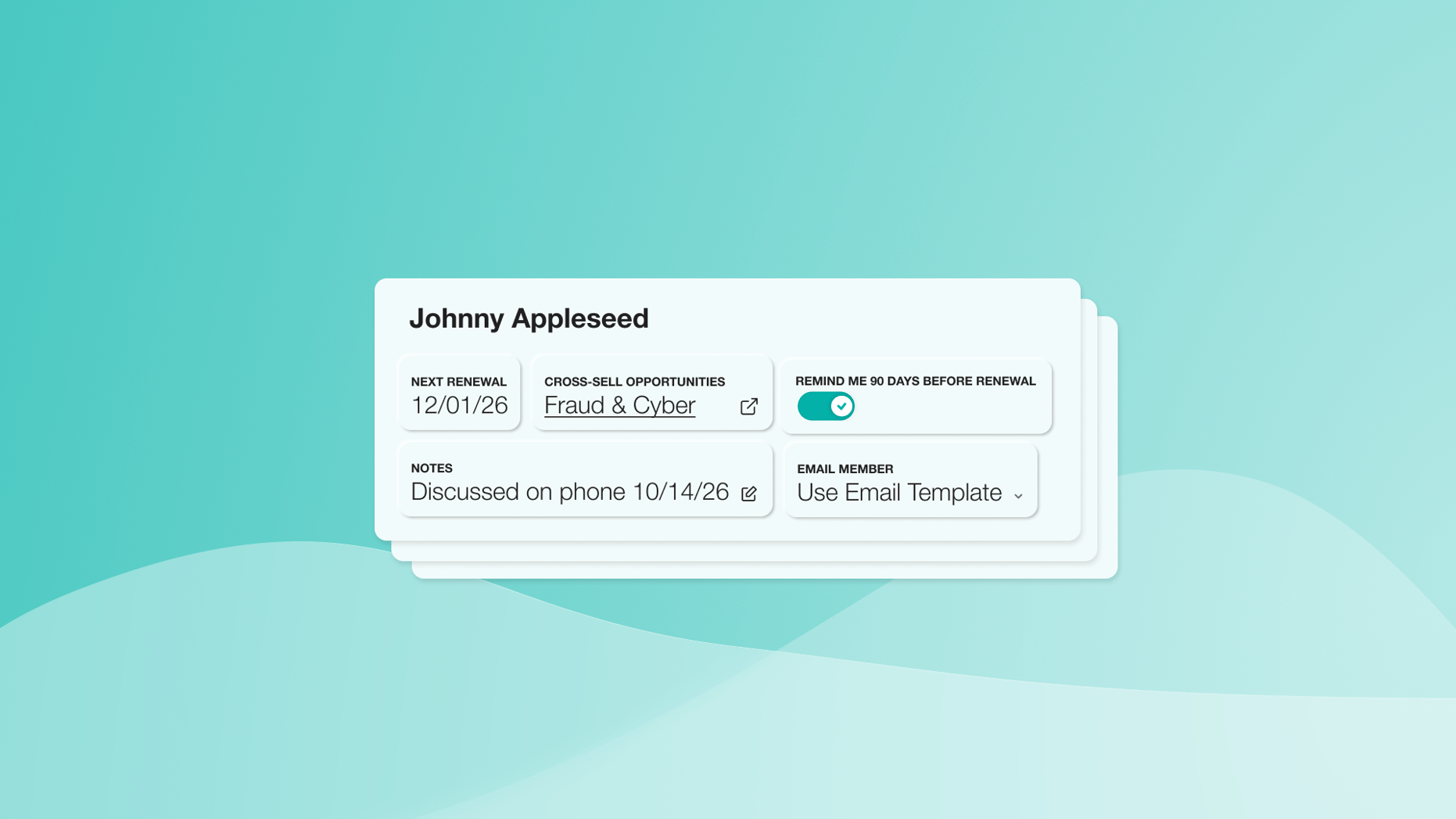
Coverage gap dashboard
Highlights opportunities based on client risk profiles ahead of renewal
Highlights opportunities based on client risk profiles ahead of renewal
Broker tools
Easy access to enhanced tools like PURE Home Spotlight and PURE’s Service Provider Network
Easy access to enhanced tools like PURE Home Spotlight and PURE’s Service Provider Network
Stay Informed and Organized
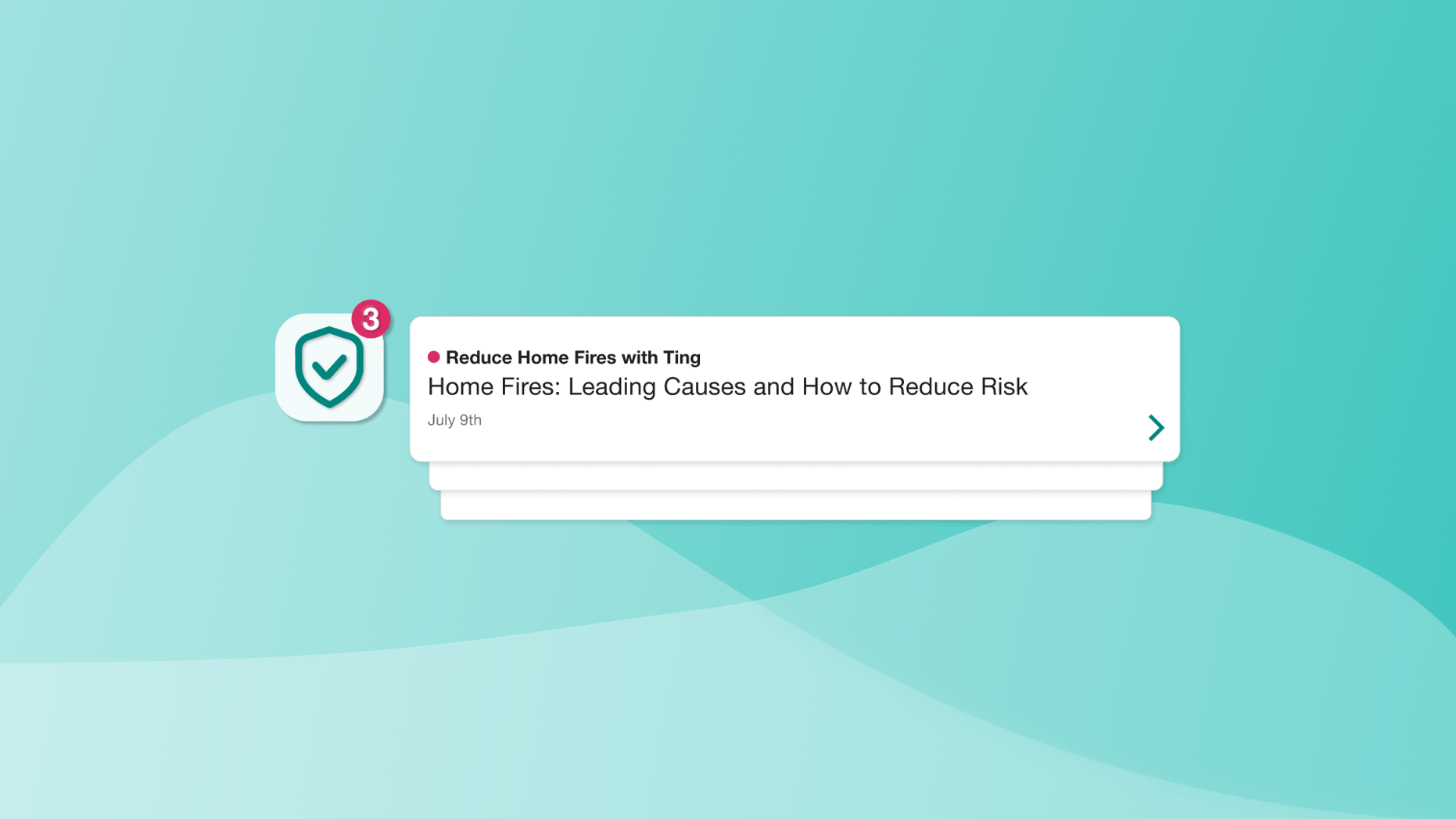
Notifications dashboard
A centralized view of reminders, PURE emails and key updates that makes it easy to stay organized and informed without searching through emails
A centralized view of reminders, PURE emails and key updates that makes it easy to stay organized and informed without searching through emails
Resource center
A single, organized destination for forms, FAQs and marketing materials
A single, organized destination for forms, FAQs and marketing materials
Single entry point
One secure login and homepage for all systems, including PURE Online
One secure login and homepage for all systems, including PURE Online
“We built our new Broker Portal to better support our exceptional broker partners and the important work they do for our members, delivering greater efficiency and stronger collaboration.”

Dave Logan
President, PURE
Frequently Asked Questions
The Broker Portal is now the single, secure entry point for all broker tools and systems, ensuring consistent and efficient access. To quote, access policies and manage your book of business, log in through Okta → Broker Portal → and click on the PURE Online button in the top right-hand corner.
No additional registration is needed. Brokers who already use Okta can log in as they always have. New brokers will receive a welcome email with simple setup instructions, following the existing process today.
Access to the same systems remains unchanged. The Broker Portal simply brings them together under one login for easier access.
You will now have access to new features like centralized notifications, a coverage gap dashboard and a resource center where you can easily find materials and updates.
All tools and information remain available; if you need help navigating, the Broker Services team can walk you through the portal.
If you experience access or data issues, please reach out to the Broker Services team or IT Help Desk for immediate support. For new brokers, it may take up to 72 hours for data to populate in Salesforce and display in the portal.